
前言
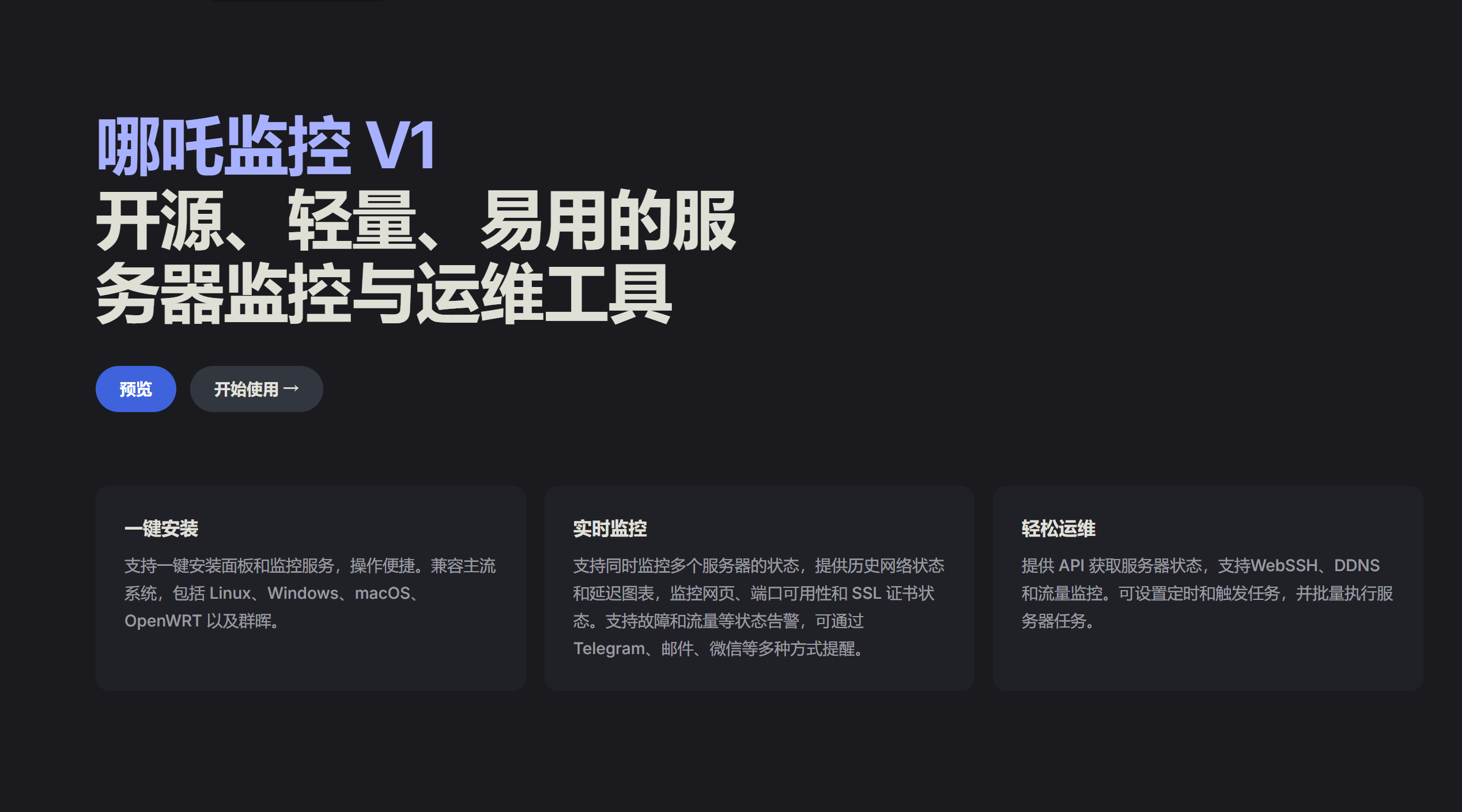
哪吒监控是一款开源轻量级服务器监控工具,支持实时性能监控、多服务器管理、告警通知和批量运维操作。
作为一款合格的开源项目,怎么会不能自定义页面呢?
今天我就来教大家如何美化自己的哪吒监控。
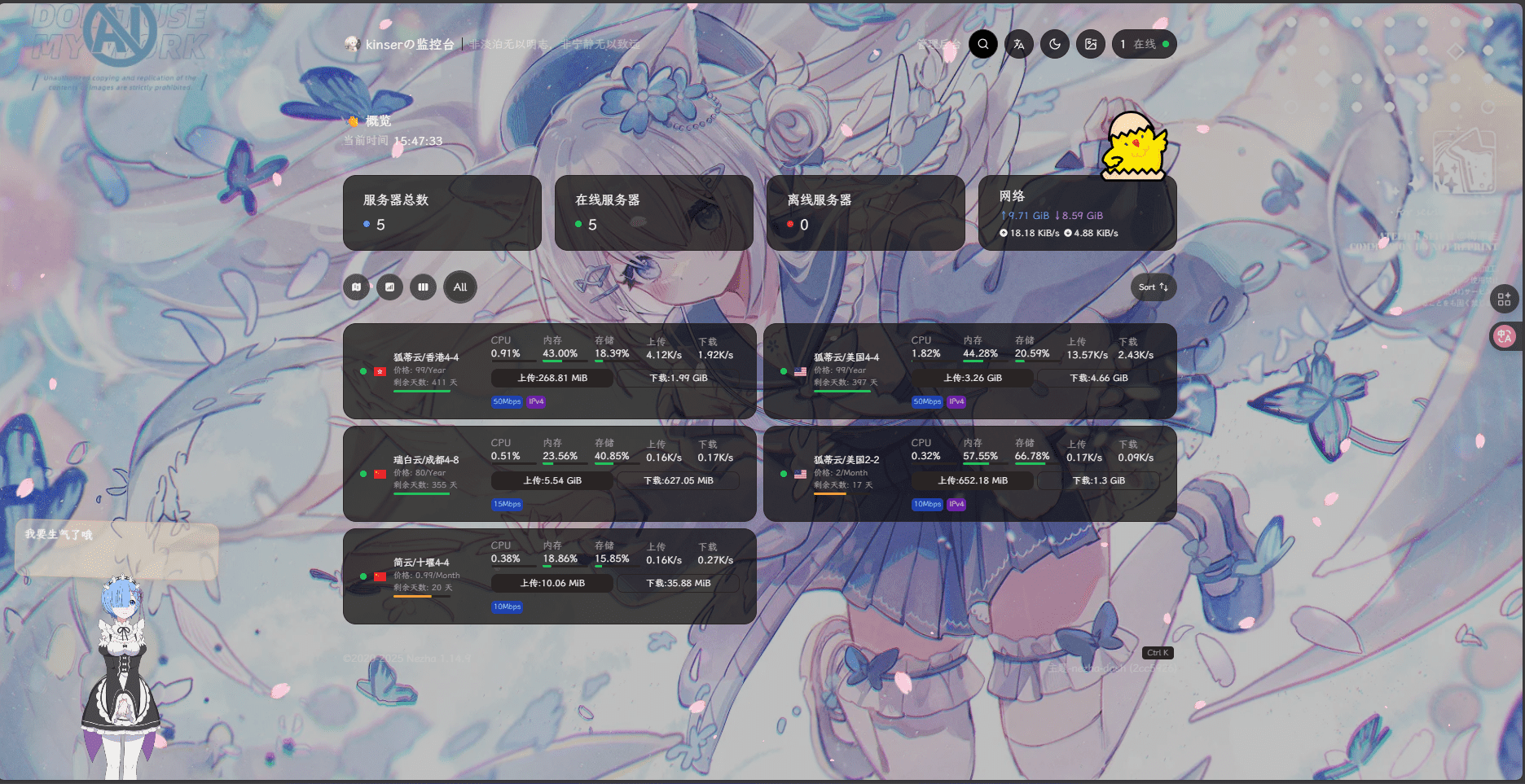
预览
依旧是先看效果(我这里开了深色模式):
教程
在部署好的哪吒监控里,点击“管理后台”,再点击头像-“系统设置”,找到“自定义代码”;

之后输入这里我提供的代码,可以自行修改一些内容:
<!DOCTYPE html>
<html lang="zh-CN">
<head>
    <meta charset="UTF-8">
    <meta name="viewport" content="width=device-width, initial-scale=1.0">
    <title>宁静致远</title>

    <!-- 引入自定义字体 -->
    <link rel="stylesheet" href="https://s4.zstatic.net/ajax/libs/lxgw-wenkai-webfont/1.7.0/lxgwwenkai-regular.min.css">

    <style>
        /* 确保字体应用到所有元素 */
        * {
            font-family: "LXGW WenKai", sans-serif !important;
        }
    </style>

    <!-- 原有样式设置 -->
    <script>
        window.CustomLogo = "https://static.eeo.cn/upload/file/20251102/1762064954291930.png";  /*  自定义logo */
        window.ShowNetTransfer  = "true"; /* 卡片显示上下行流量 */
        window.DisableAnimatedMan  = "true";    /*  关掉动画人物插图 */
        window.CustomDesc ="非淡泊无以明志,非宁静无以致远"; /* 自定义描述 */
        window.CustomBackgroundImage="https://t.alcy.cc/moez"; /* 背景图 */
    </script>
</head>
<body>
    <!-- 特效脚本 -->
    <script src="https://testingcf.jsdelivr.net/gh/mocchen/cssmeihua/js/aixin.js"></script>
    <script src="https://testingcf.jsdelivr.net/gh/mocchen/cssmeihua/js/yinghua.js"></script>
    <span class="js-cursor-container"></span>
    <script src="https://testingcf.jsdelivr.net/gh/mocchen/cssmeihua/js/xiaoxingxing.js"></script>

    <!-- 更换卡通小人 -->
    <script>
    var observer = new MutationObserver(function(mutationsList, observer) {
        var xpath = "/html/body/div/div/main/div[2]/section[1]/div[4]/div";
        var container = document.evaluate(xpath, document, null, XPathResult.FIRST_ORDERED_NODE_TYPE, null).singleNodeValue;

        if (container) {
            observer.disconnect();
            var existingImg = container.querySelector("img");
            if (existingImg) {
                container.removeChild(existingImg);
            }
            var imgElement = document.createElement("img");
            imgElement.src = "https://cdn.skyimg.de/up/2025/1/13/zera6q.webp";
            imgElement.style.position = "absolute";
            imgElement.style.right = "8px";
            imgElement.style.top = "-80px";
            imgElement.style.zIndex = "10";
            imgElement.style.width = "90px";
            container.appendChild(imgElement);
        }
    });
    var config = { childList: true, subtree: true };
    observer.observe(document.body, config);
    </script>

    <!-- 看板娘 -->
    <script>
        if (localStorage.getItem('modelId') === null) {
            localStorage.setItem('modelId', '9'); // 设置默认模型ID
            localStorage.setItem('modelTexturesId', '0'); // 设置默认皮肤ID
        }
    </script>
    <script src="https://cdn.mmoe.work/live2d-widget/autoload.js"></script>

    <script src="https://s4.zstatic.net/ajax/libs/js-polyfills/0.1.43/polyfill.min.js?features=String.prototype.replaceAll"></script>

    <!-- 确保字体在页面加载后应用 -->
    <script>
        document.addEventListener('DOMContentLoaded', function() {
            // 强制应用字体到所有元素
            document.querySelectorAll('*').forEach(function(element) {
                element.style.fontFamily = '"LXGW WenKai", sans-serif';
            });

            // 检查字体是否加载成功
            document.fonts.ready.then(function() {
                console.log('自定义字体加载完成');
            }).catch(function(error) {
                console.error('自定义字体加载失败:', error);
            });
        });
    </script>
</body>
</html>
保存后刷新页面就完事了😋😋